


BARTEOS DIGITAL WALLET · iOS & ANDROID

Download Your
Wallet Now.

The Barteos Australian Wallet is available for download on iOS and Android devices.

Download on the App Store Get it on Google Play
◆ iOS & Android ◈ Permanent Mobile Account ID ◎ KYC/AML Compliant
AUSTRALIAN & GLOBAL EDITIONS

Australian Wallet & Global BTE Wallet

Install the Barteos Australian Wallet directly from the official Apple App Store or Google Play Store to transact in 1:1 AUD Trade Dollars and BTE.

GLOBAL WALLET (OUTSIDE AUSTRALIA):

Note: There is also a Global Wallet on the App Stores, for the transfer of BTE, with no country Trade Dollars or cashback systems. This Global Wallet is suitable for all countries outside of Australia – Search “Barteos BTE”.
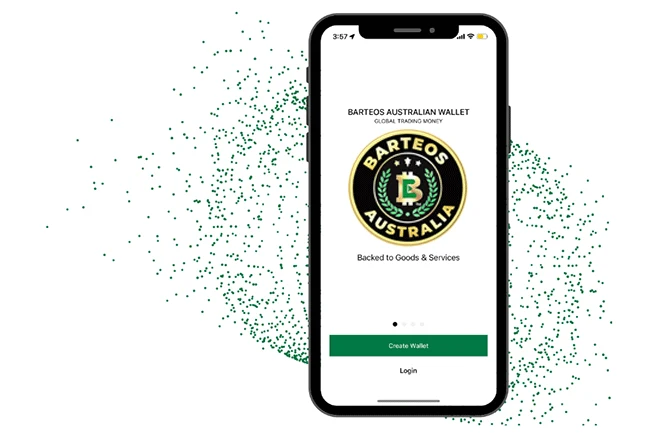
Barteos Digital Wallet Interface Mockup
STEP-BY-STEP WALLET GUIDE

INSTRUCTIONS

Follow these four steps to download, register, secure your Private Key, and complete KYC verification.

STEP 01 · DOWNLOAD & INSTALL

Install the Barteos Australian Wallet

Search and download the “Barteos Australian Wallet” from the iOS and Android App Stores. Once the app has finished installing, open the app and follow the prompts.

Note: There is also a Global Wallet on the App Stores for the transfer of BTE, with no country Trade Dollars or cashback systems. This Global Wallet is suitable for all countries outside of Australia – Search “Barteos BTE”.

STEP 02 · ACCOUNT REGISTRATION

Create Your Account Using Your Mobile Number

Now create a new account using your mobile number. Your mobile number will become your permanent account number on the Barteos Blockchain.

Note: Drop the leading zero when inputting your mobile number:
i.e. +61420634953 (NOT +61 0 420634953)

You will then be asked to input a six-digit verification code that will be sent to your phone by SMS.

STEP 03 · SECURITY BACKUP

Back Up Your Private Key

Once you are in your wallet, click on the Settings icon in the top right corner of your screen, then click the ‘Private Key’ tab which should then show your private key. Copy your Private Key and store it in a safe place.

Note: If you lose your Private Key you will lose access to your BARTEOS account permanently. Place it somewhere safe!

STEP 04 · PROFILE & KYC

Complete Your Profile & KYC Verification

Tap the Picture bar on the Home Screen on the top left side and place your profile picture and any missing details, including your contact email, and save.

Note: For regulatory and compliance purposes, you will not be able to transfer funds unless your KYC details and face picture are uploaded and approved.

Read Wallet FAQ's → Safety Against Theft →